
Your life as a game.
Your week as a comic.
Check off your habits. Finish what you planned. Close the day. Every week, LifeComic draws what you actually did as a comic page, with you as the hero. You write the words.
App Store release to follow. Your book lives on your phone; only a short summary of a day leaves it, to draw the page. How that works.
Real weeks, drawn
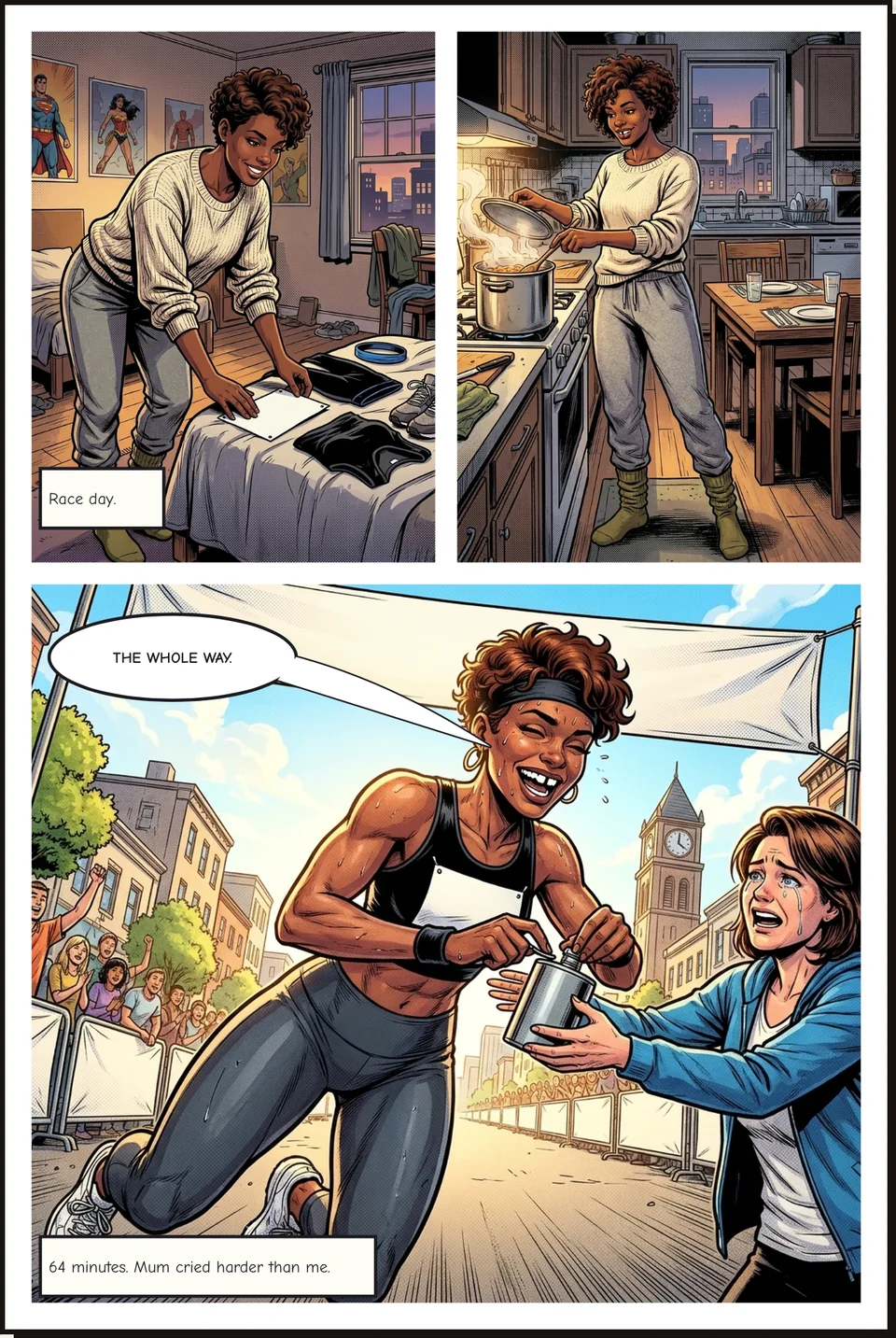
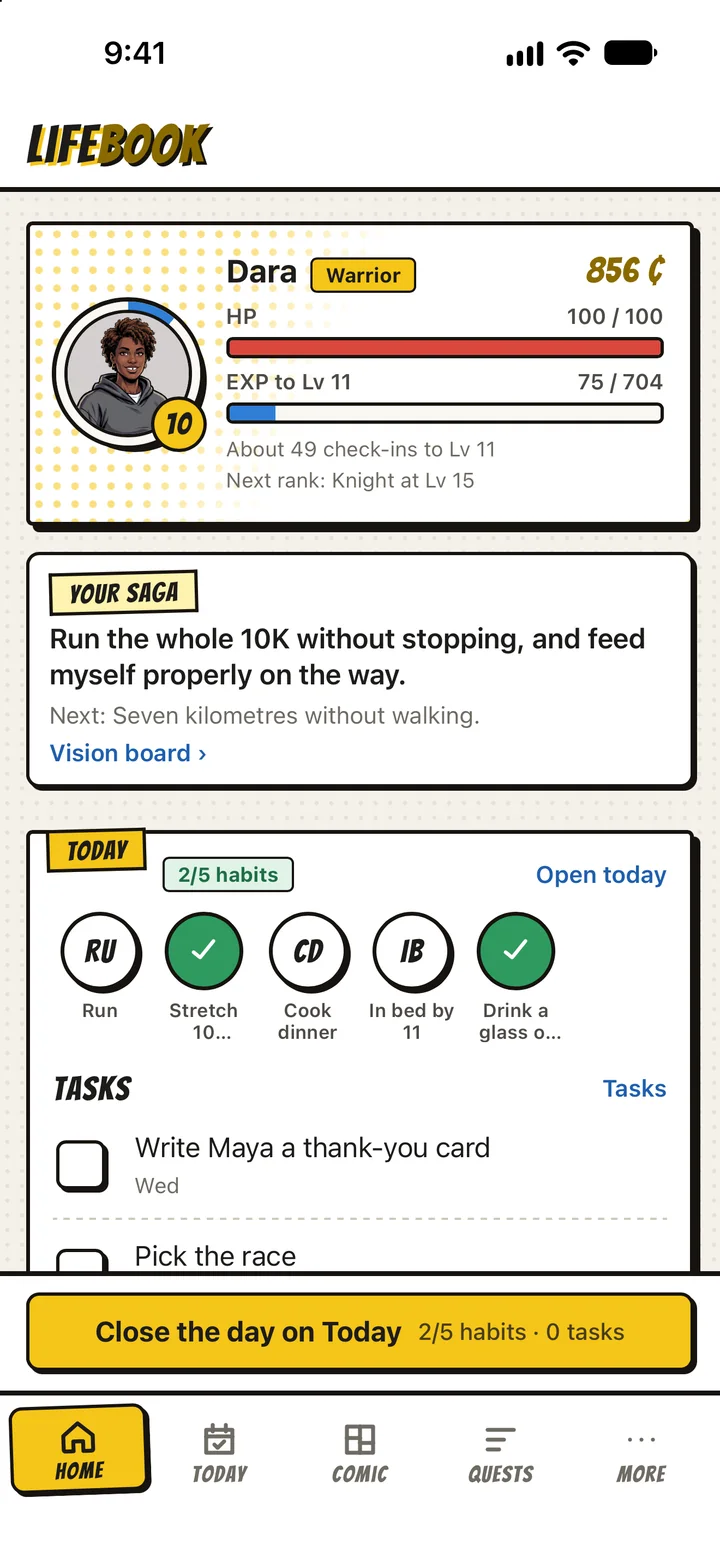
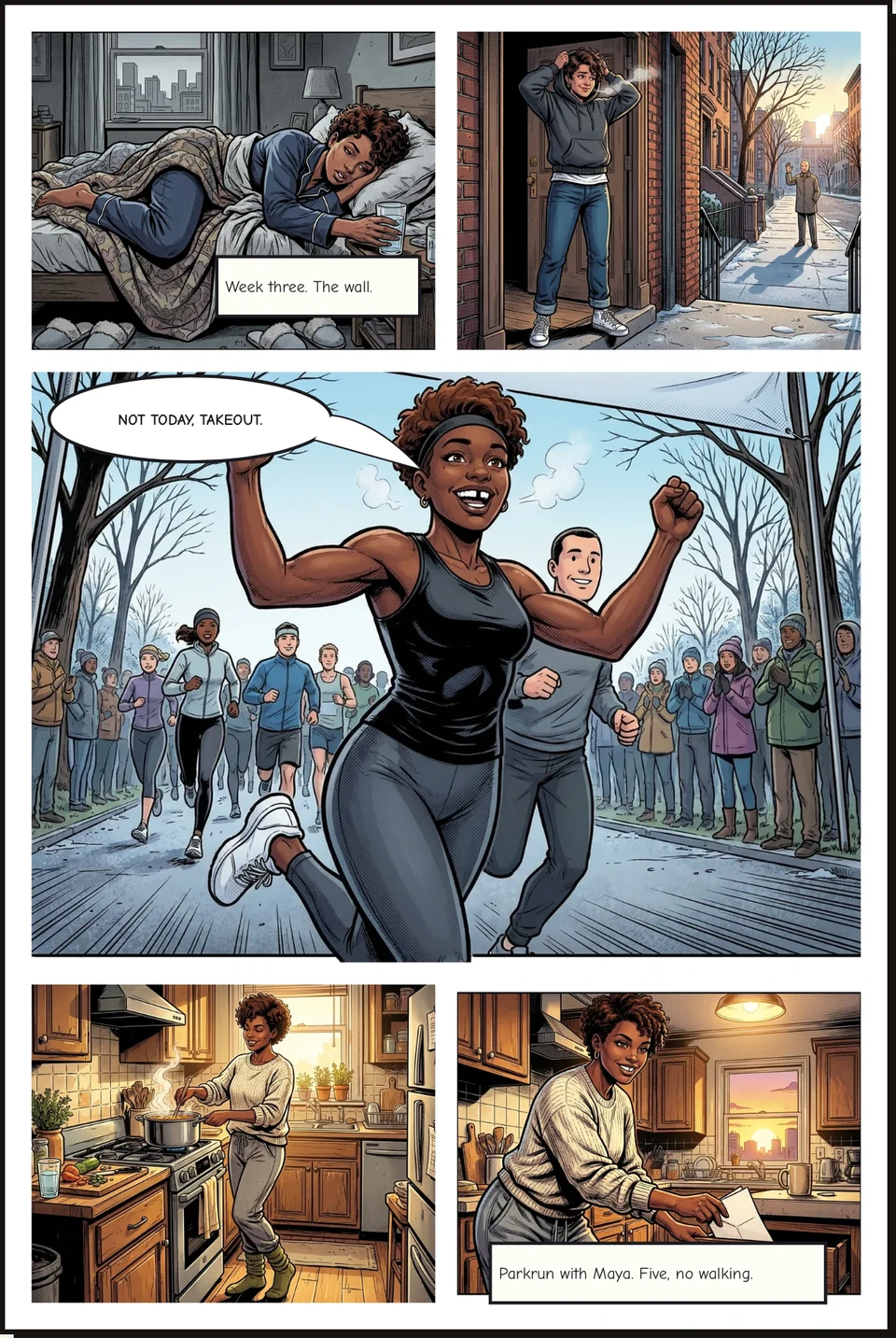
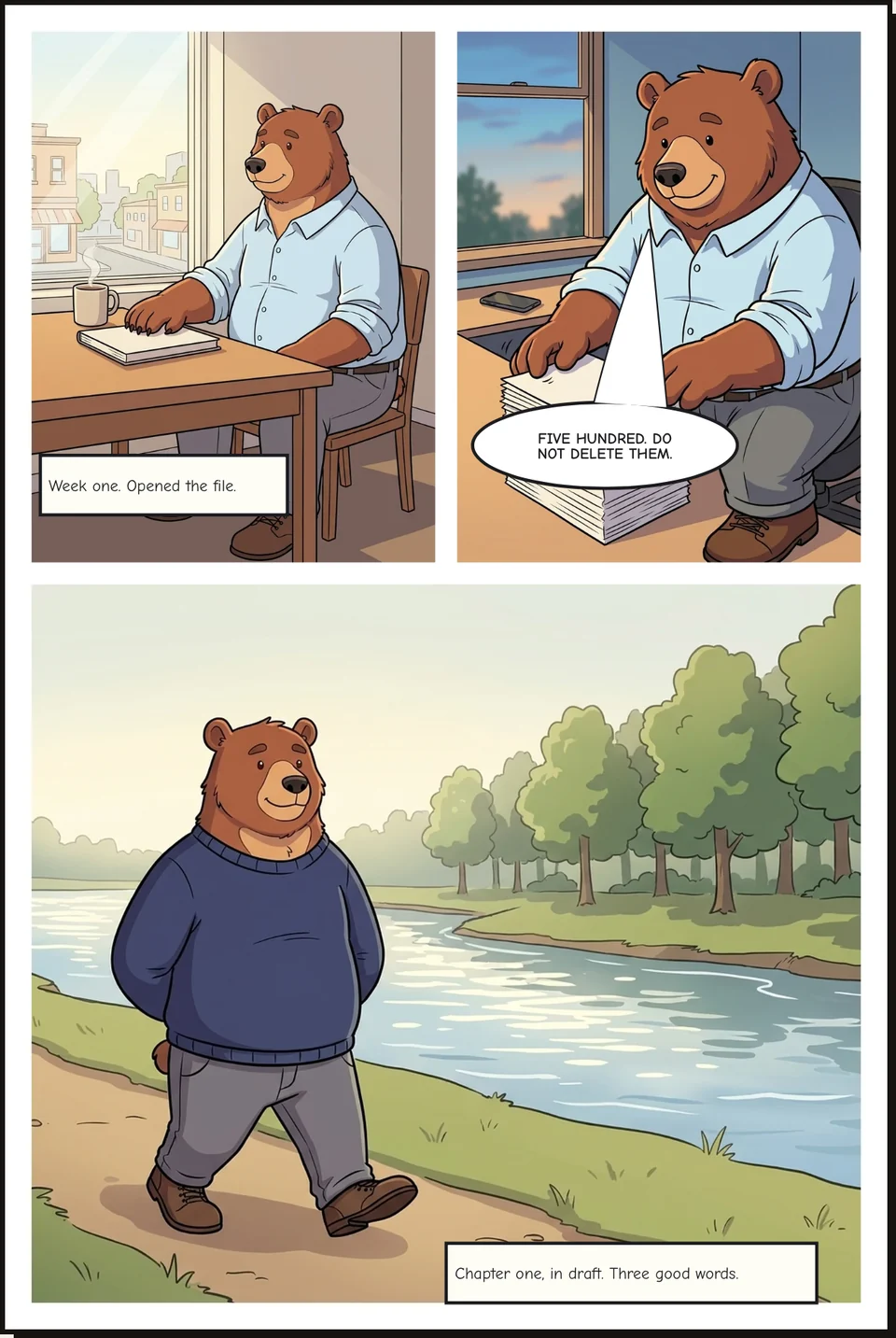
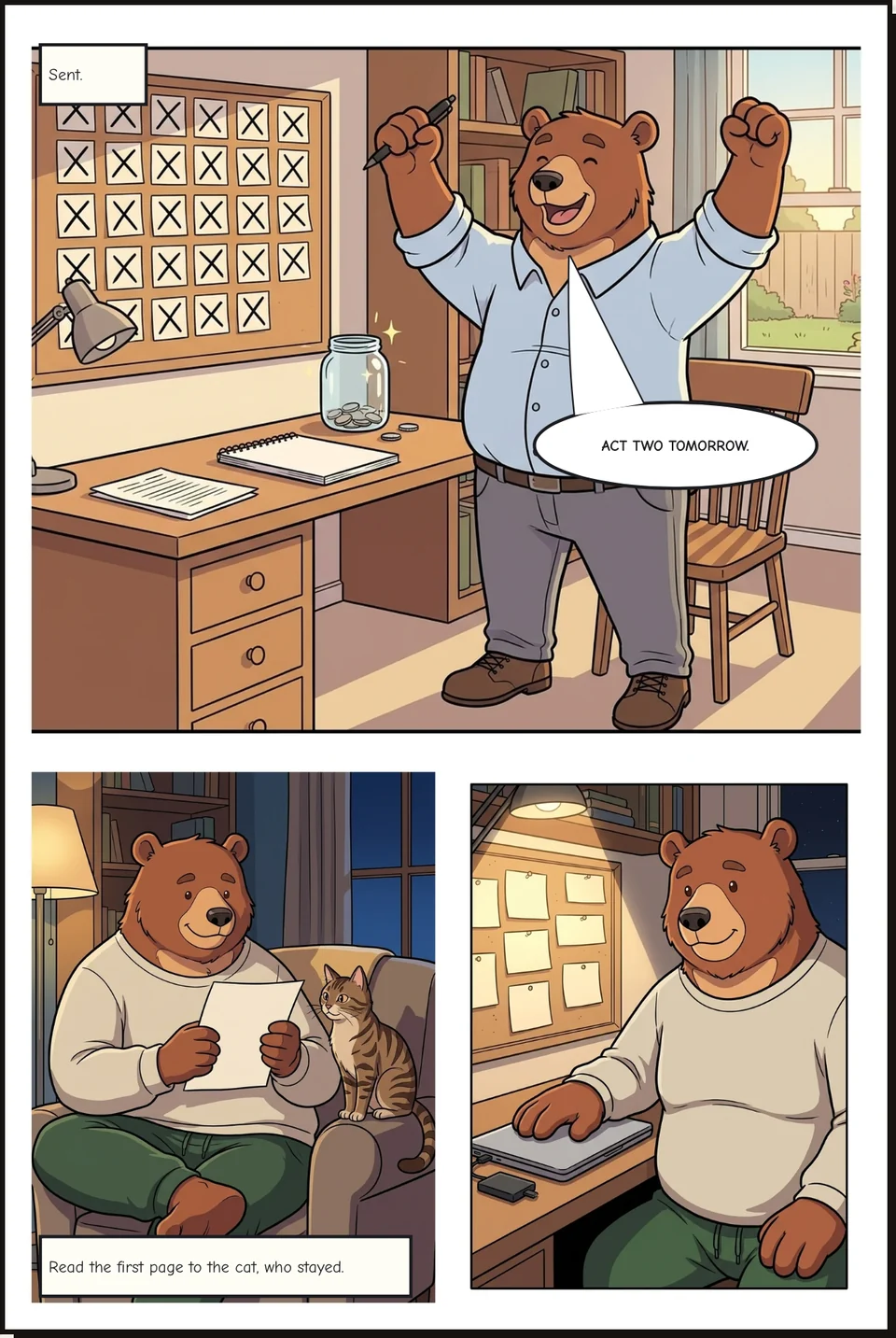
These pages were drawn from days two players closed: Dara, training for her first 10K, and Otis, writing a novel. Nobody typed a prompt. LifeComic read the week, and the players wrote the words.
How it works
Play the day
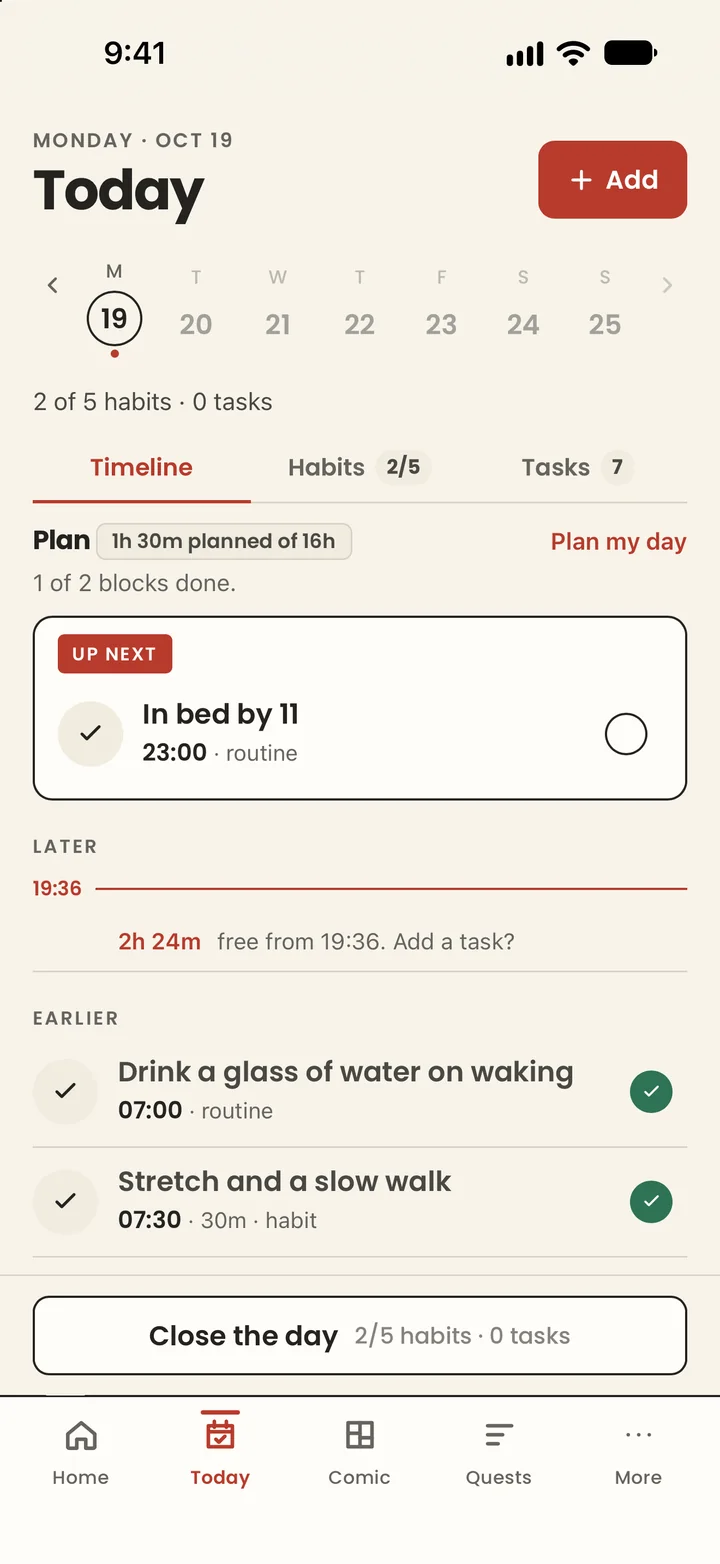
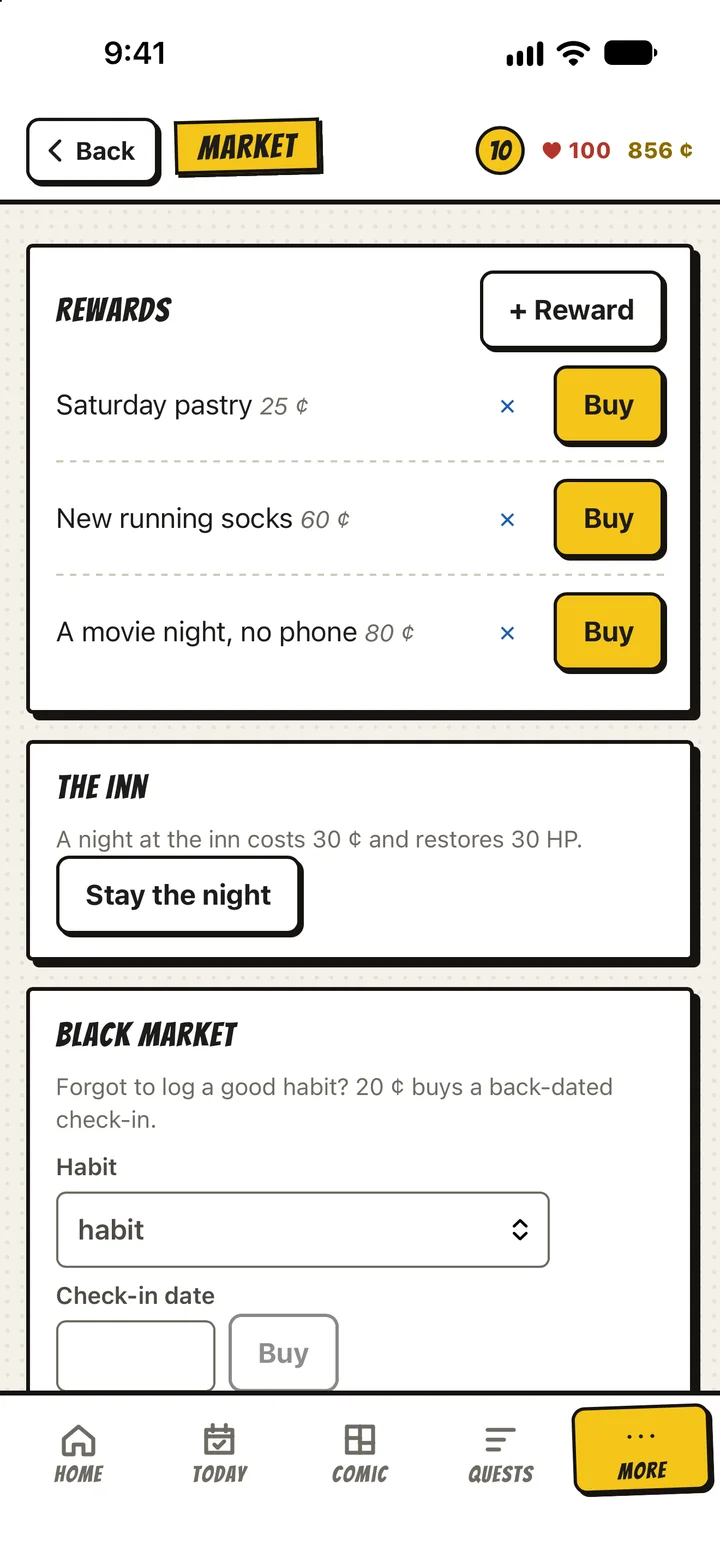
Today is one timeline: what is up next, the free hours between, the habits you tick as you go. Every one earns EXP and coins; slipping costs a little EXP. Honesty is the whole game.
Close it
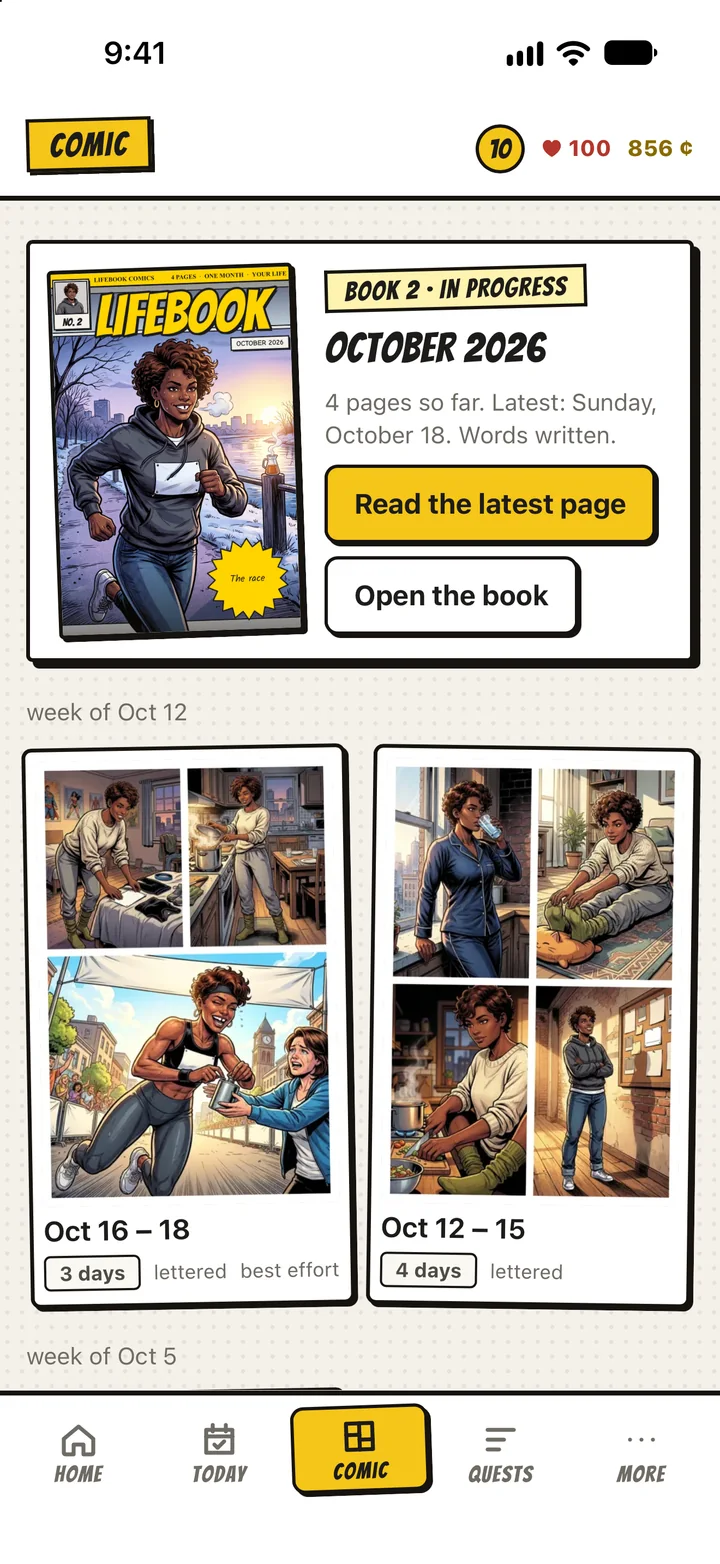
At the end of the day, close it. Keep the days of a week together and LifeComic draws them as one page, from what you did, with your hero and the people in it.
Write the words
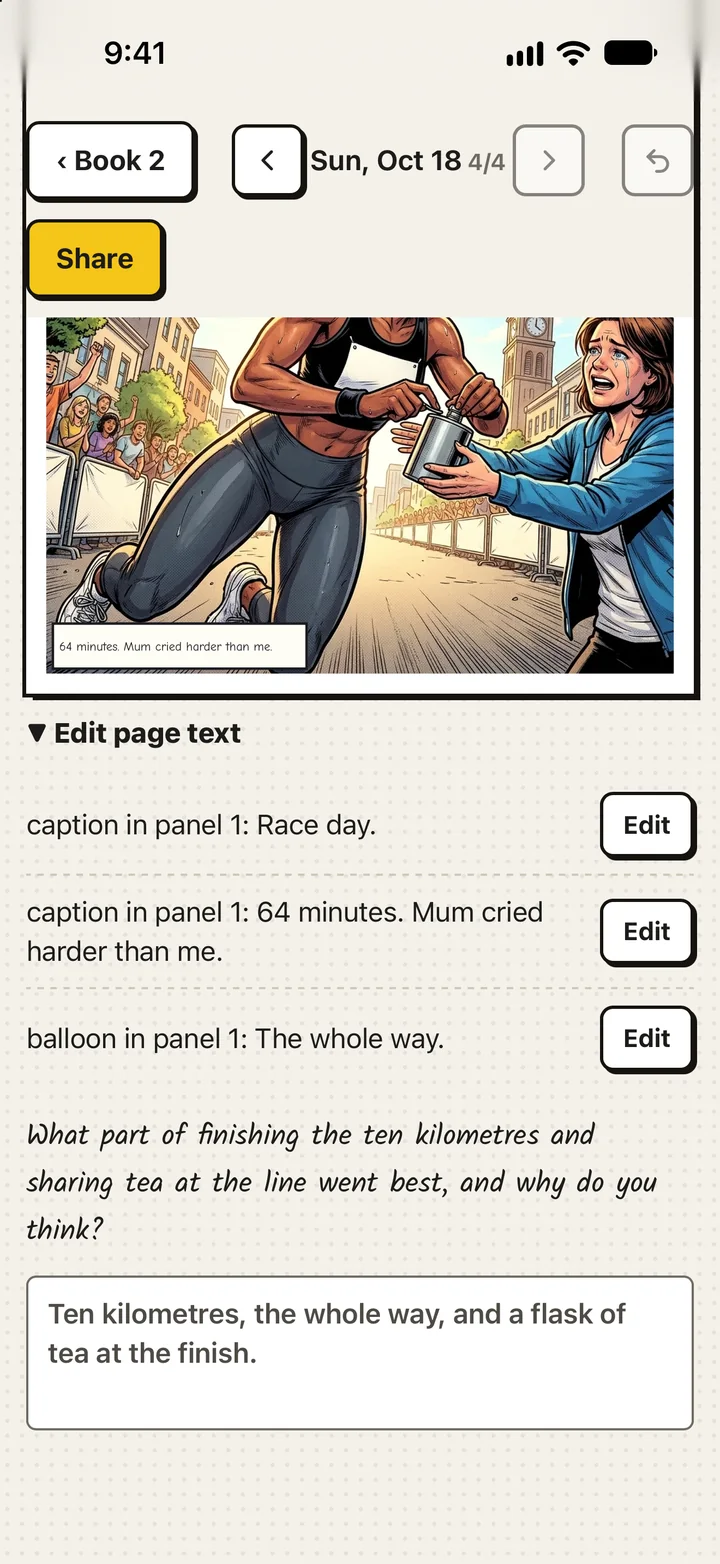
LifeComic draws the art. The captions and the speech are yours, written while the week is fresh. A month of pages makes a book, with a cover.

LifeComic draws the whole page the evening you close, then shows it to you in pencils. Each habit, task or block you finish the next day reveals a section in ink, then in colour. Keep going and the page is finished. Skip the day and it stays as pencils, which is also the truth.
A hero who is you
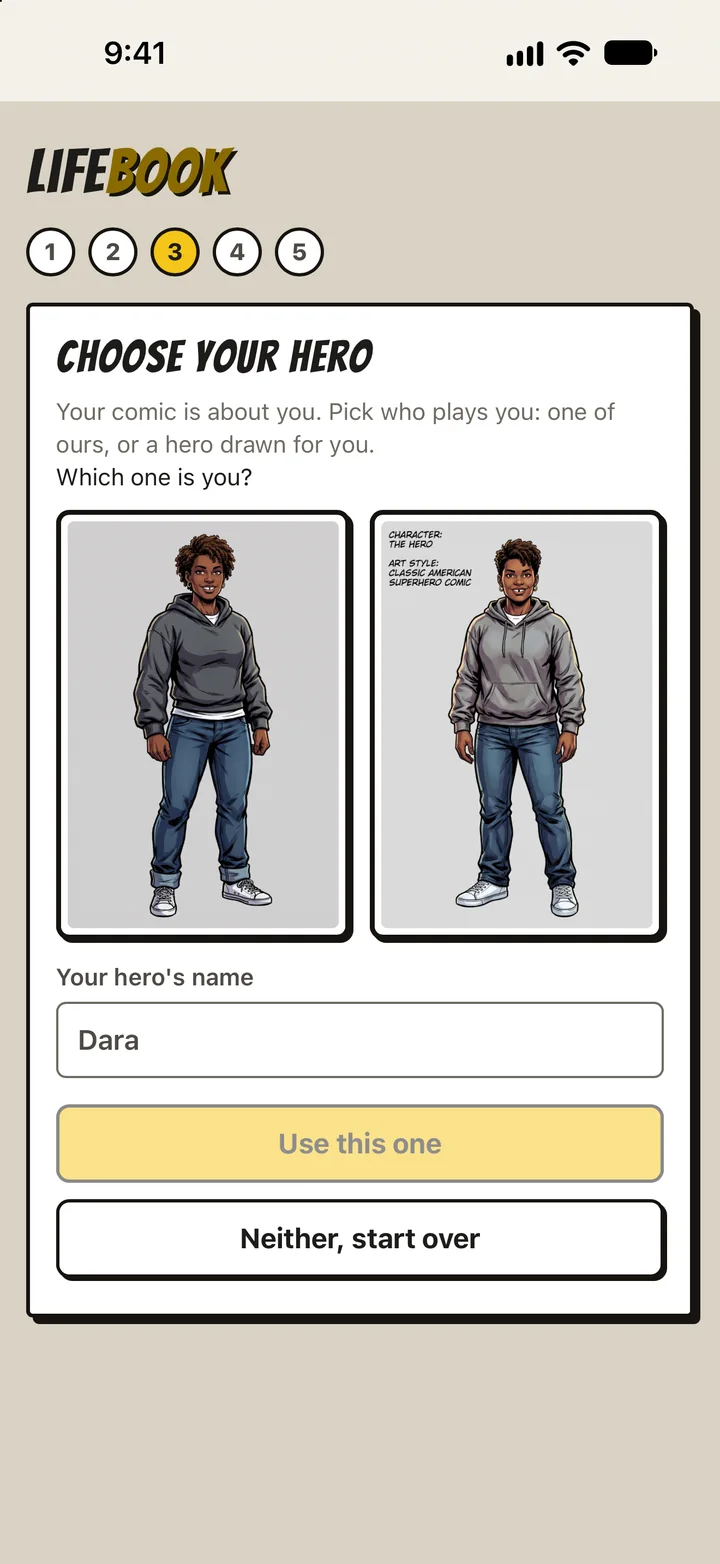
Describe yourself in a sentence or two, or send a photo, and LifeComic draws two versions. Pick the one that is you; the rest of your character sheet follows. Every page from then on has you in it.
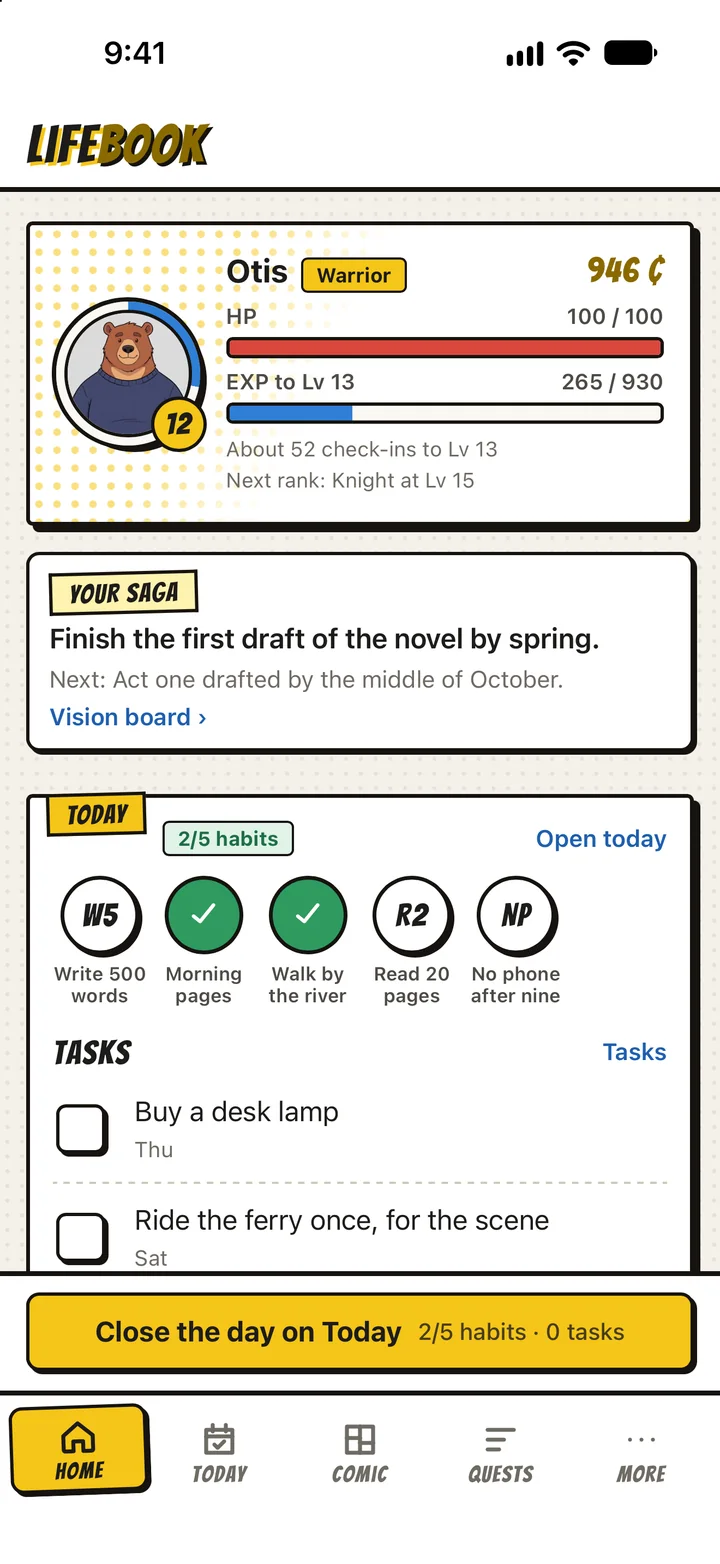
Or play as one of ours: Juno the fox, Otis the bear, Pip the rabbit. Otis is the one writing the novel above.
Your description and your photo are used to draw your hero and nothing else. The hero stays on your phone and goes with each page to be drawn.
The whole game
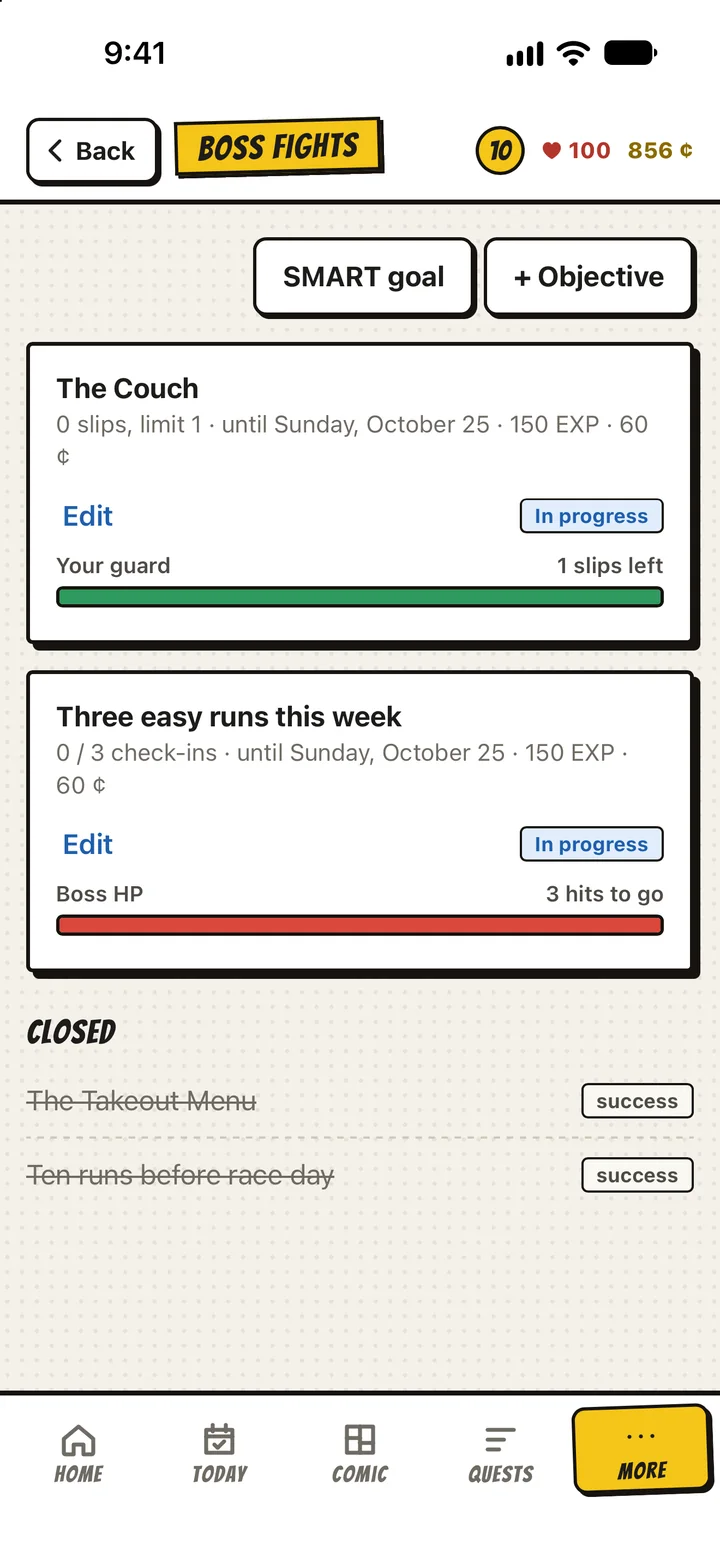
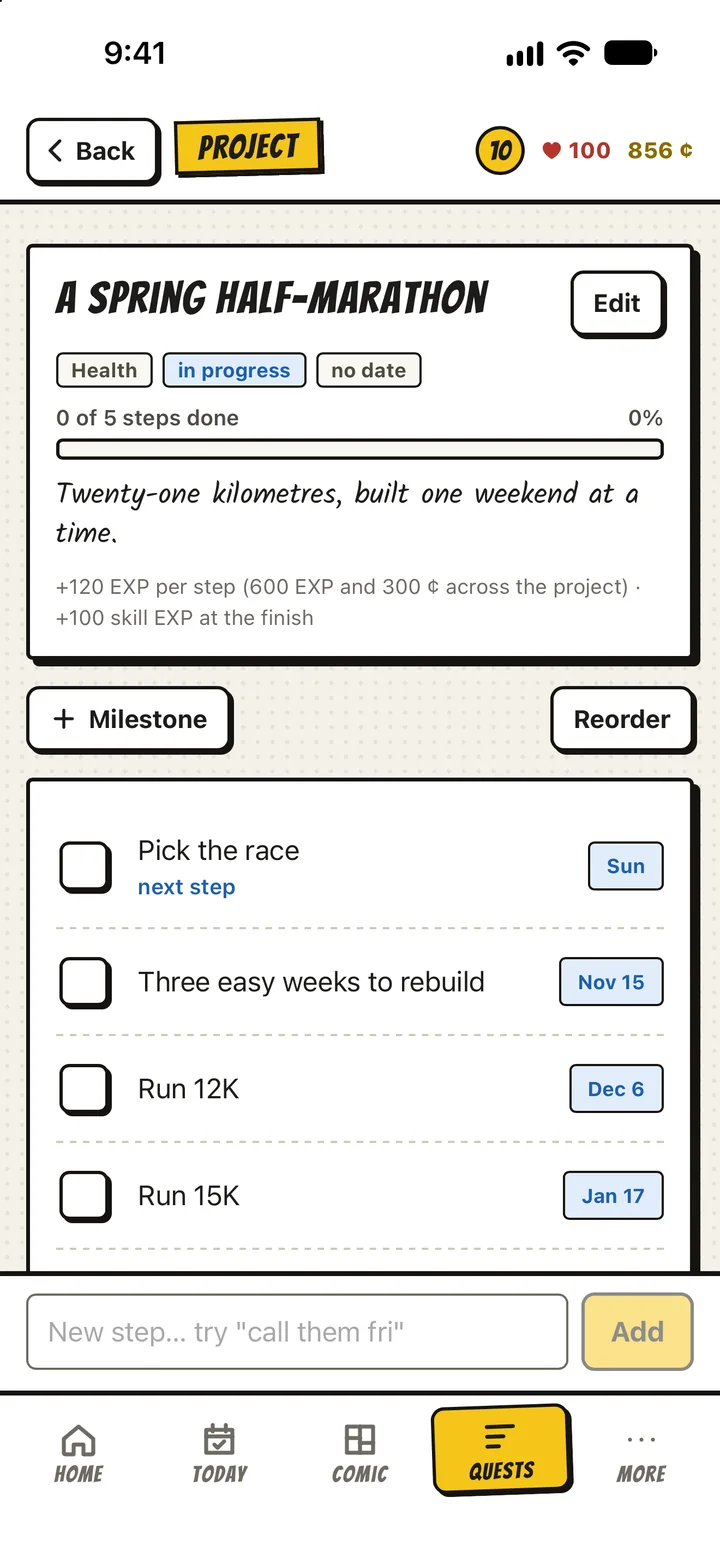
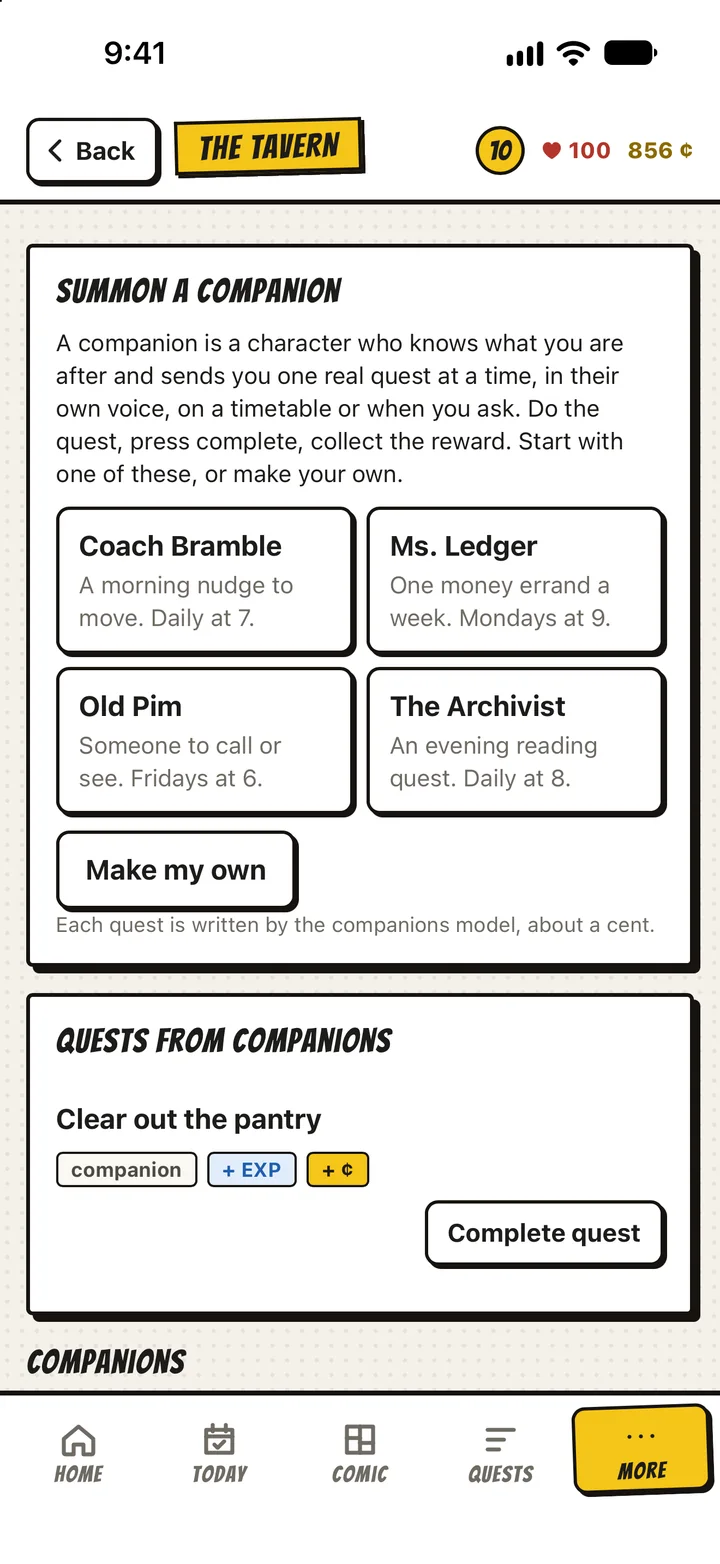
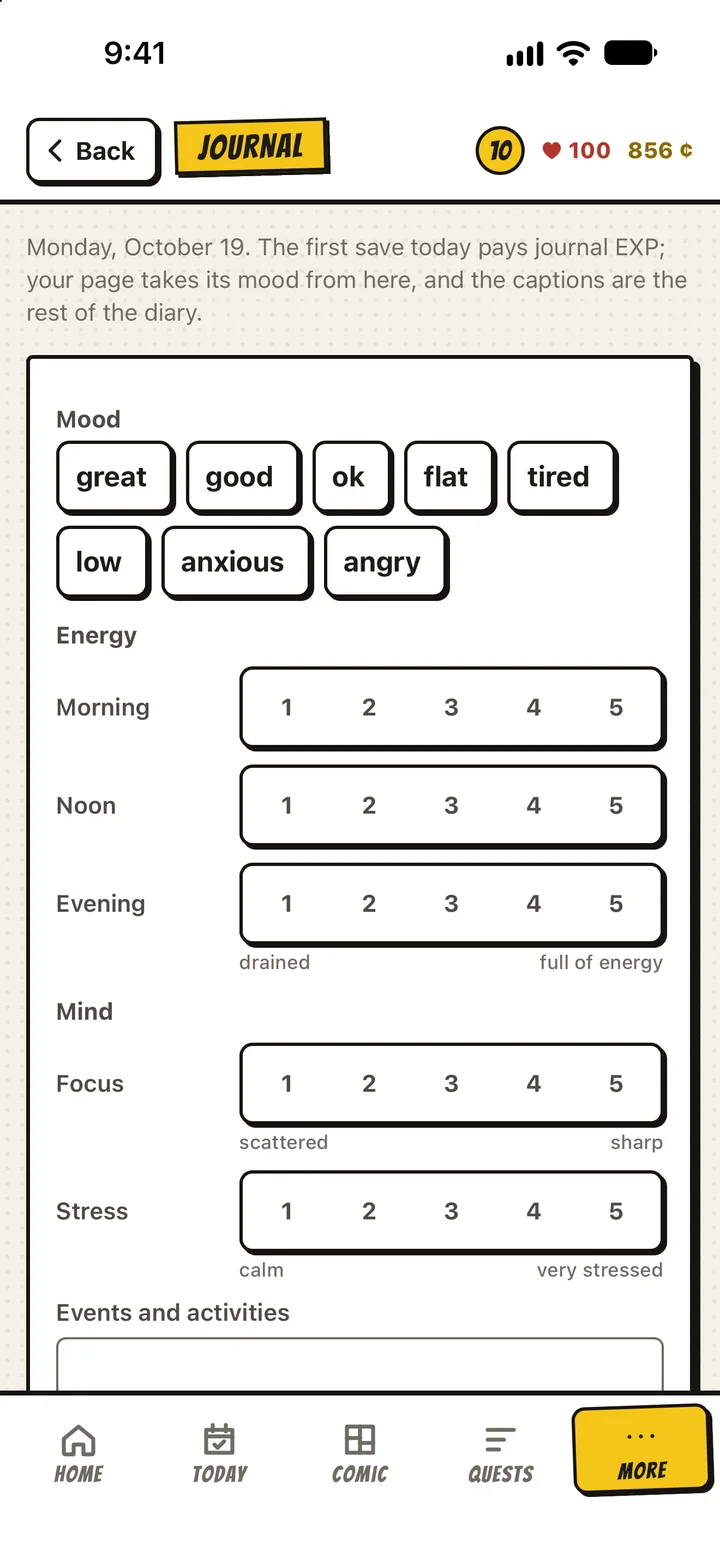
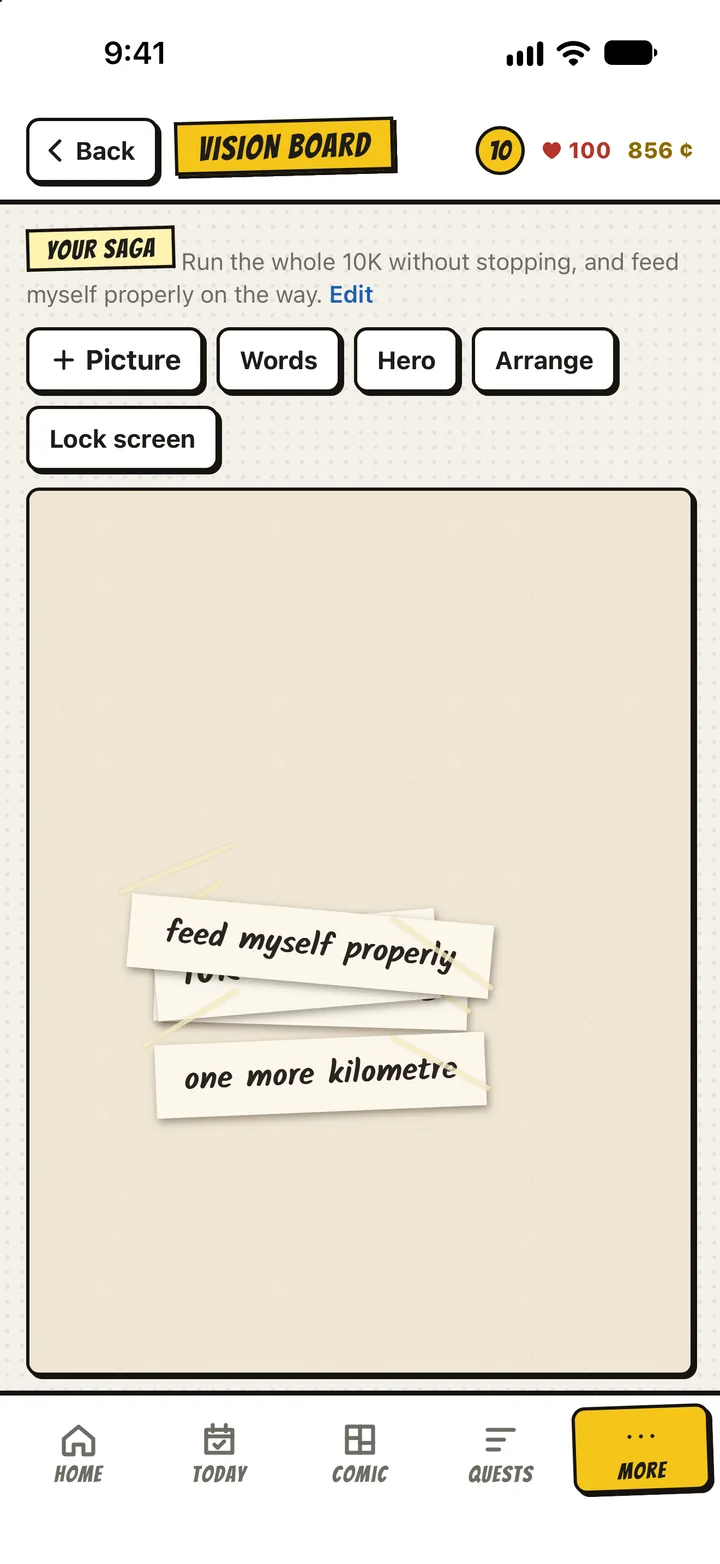
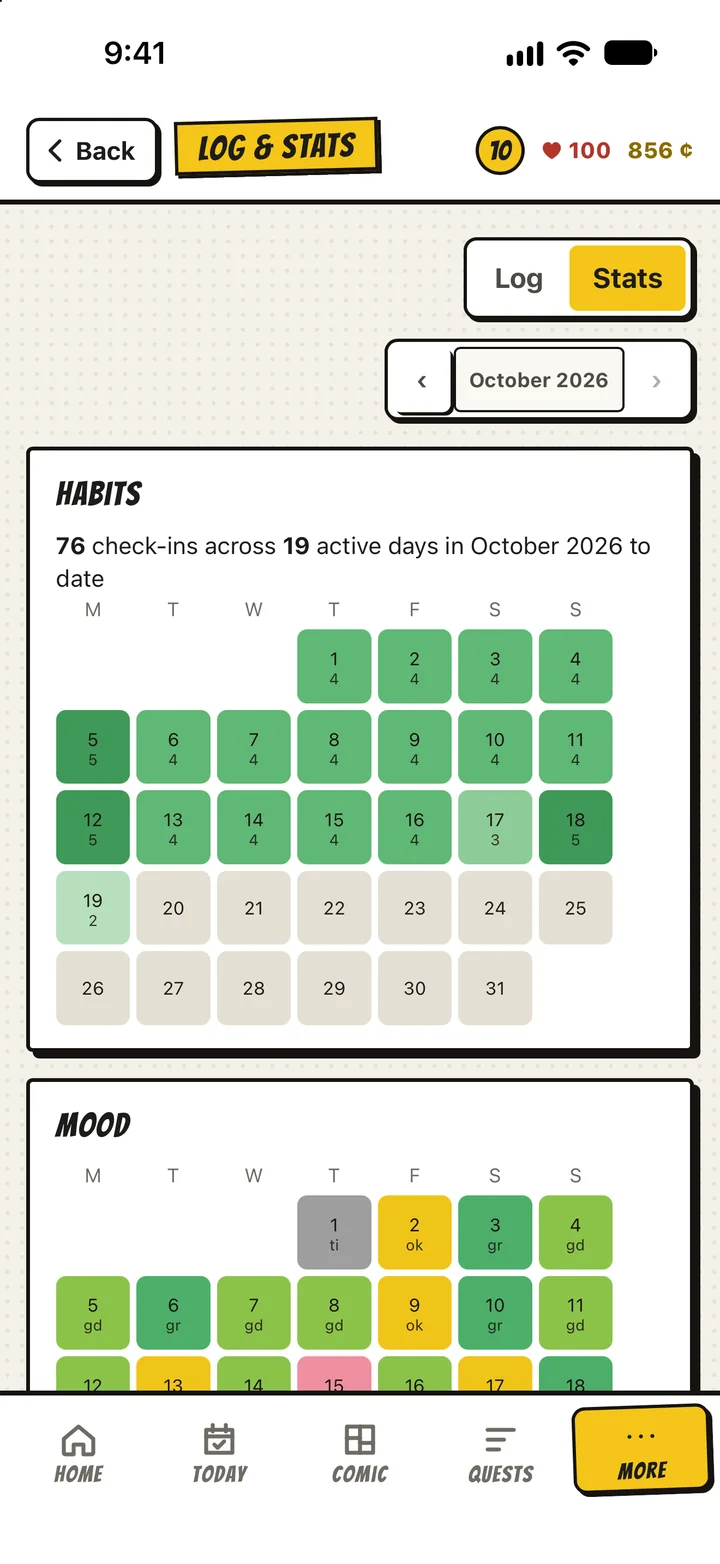
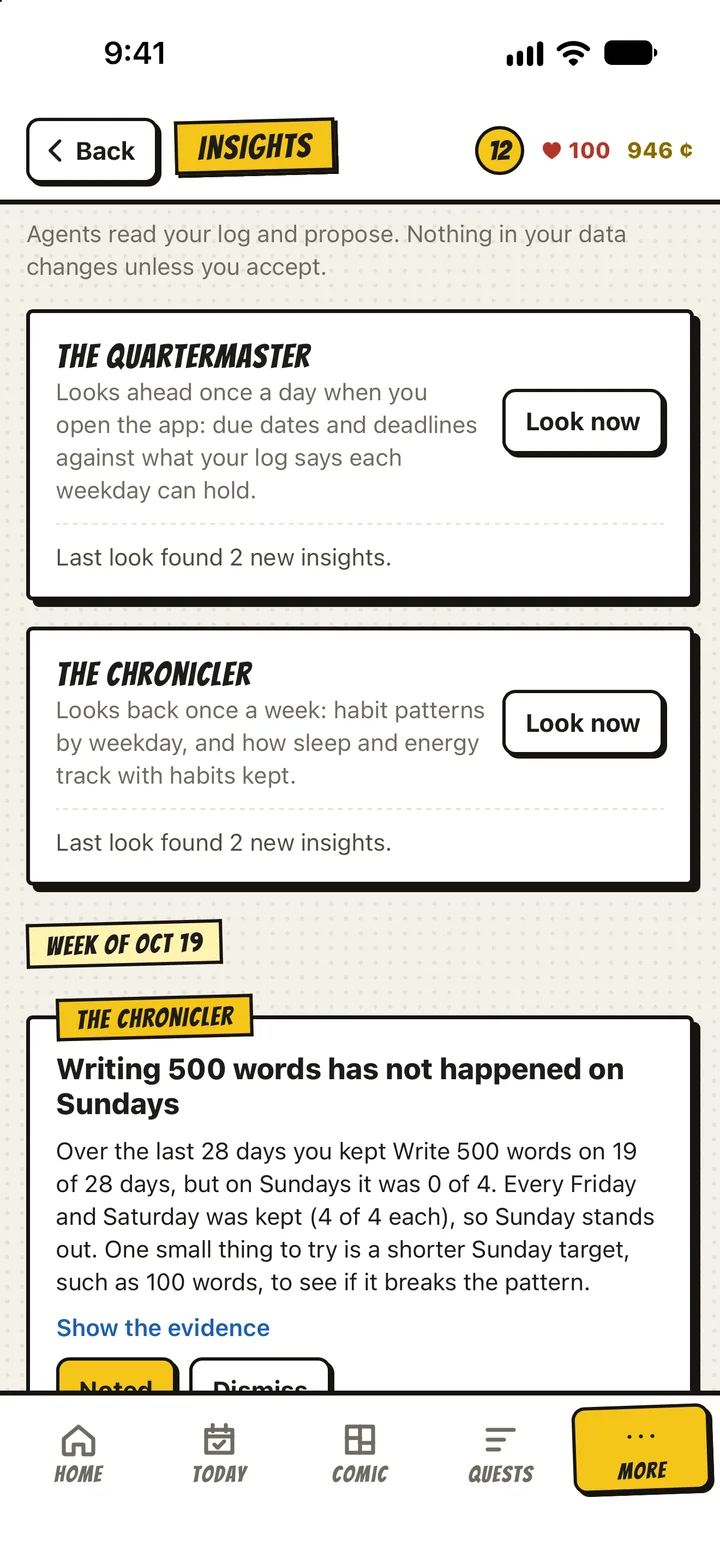
A habit app underneath, built so that the comic has something true to draw. Pick a part to see it.
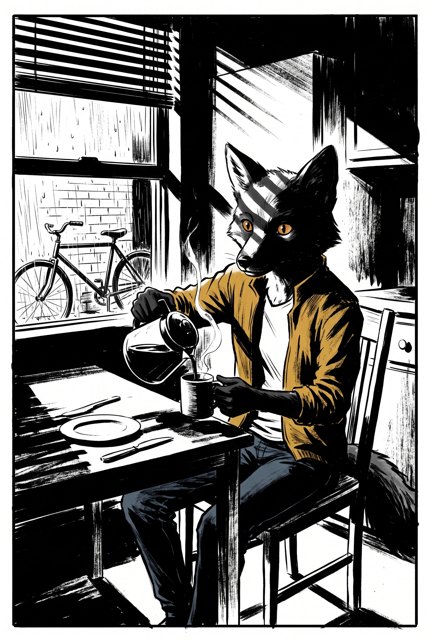
Pick your comic's style
Every page of a book is drawn in one style. Choose another for your next book. Dara's pages above are the superhero style; Otis's are the house style.





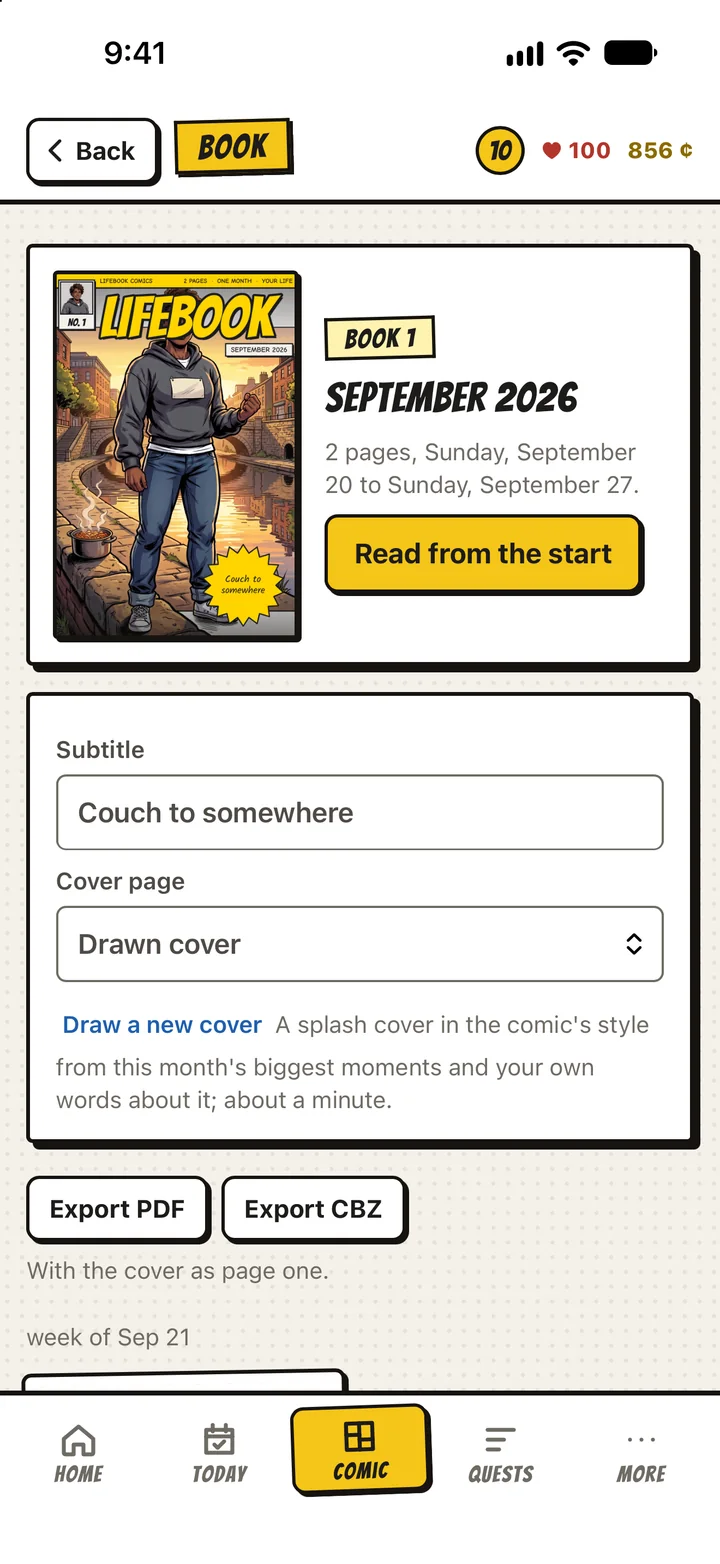
A book a month
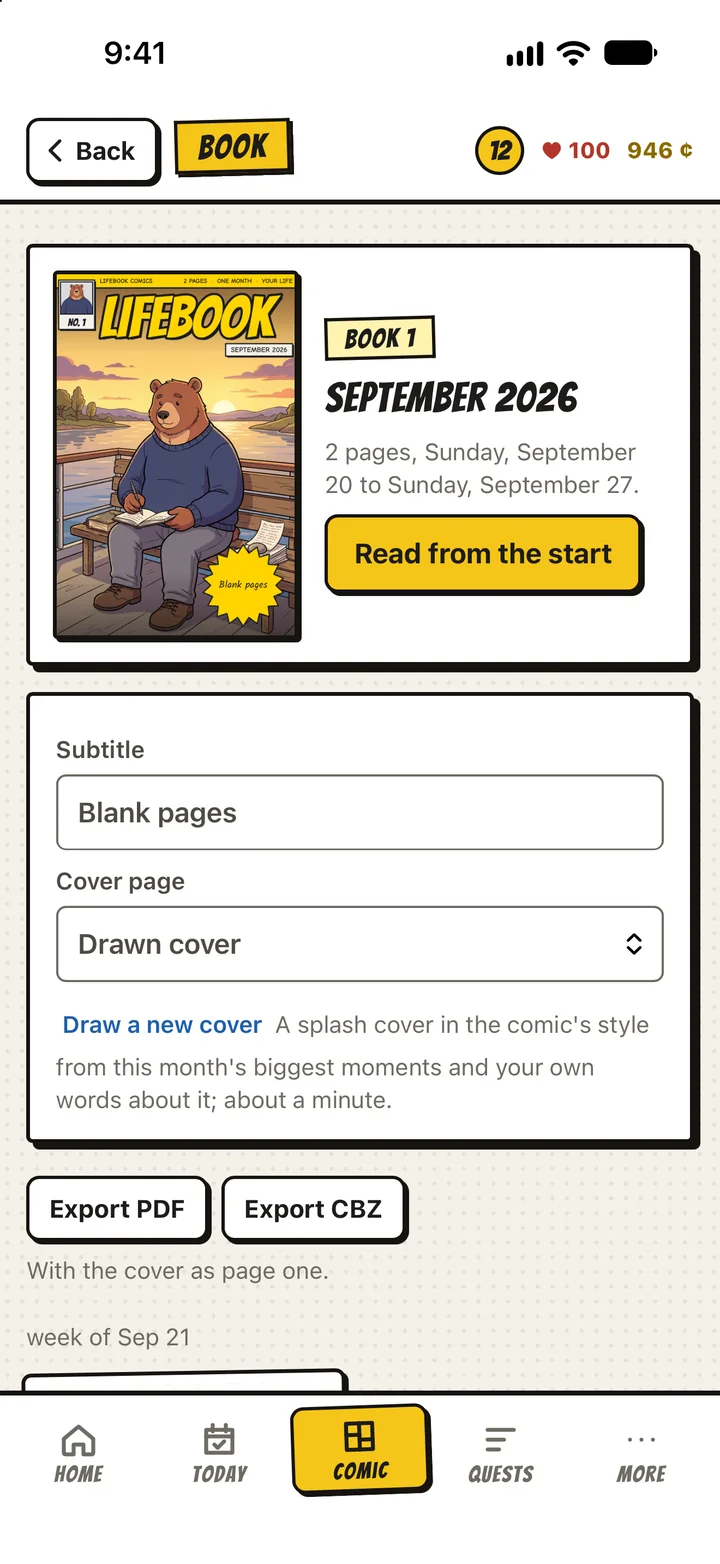
Each month's pages make a book, with a splash cover drawn from the month's biggest moments and your own words about it. Read it from the start, export it as a PDF or a comic archive, and back the whole series up to a file that is yours.
The books above are Dara's and Otis's first two. Yours starts the week you do.
Yours, on your phone
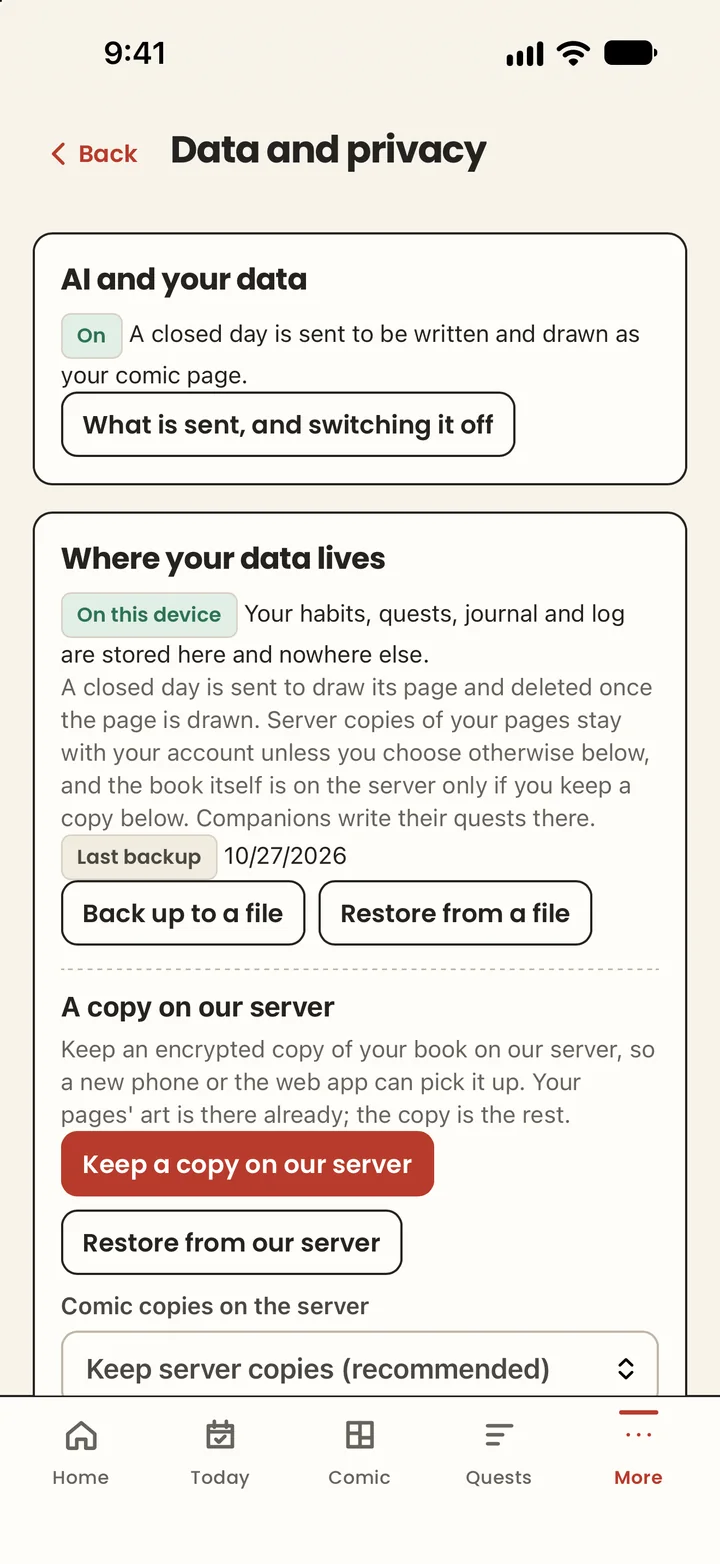
Your habits, journal, plan and pages live on your phone, in a book you can back up to a file or, if you choose, to an encrypted copy on our server that we cannot open. One screen, Data and privacy, shows all of it and switches the AI off if you want.
To draw a page, a short summary of the week leaves the phone: the habits you kept, what you finished, the people you saw, your mood, short excerpts from that day's journal, and whatever you let the comic know about your saga. You decide which areas it may draw from, and you can turn any of them off.
The privacy policy says the rest, in plain words.
Pricing
You buy pages. One page is one drawn day, or one drawn week if you keep the days and draw them together, which is how most people play.
- Your hero, drawn for you
- Your first week: seven pages and a cover
- Five companion and coach answers
- The whole game, for good
Weekly
- 5 pages a month
- 5 assists
- A cover
Fortnightly
- 15 pages a month
- 15 assists
- A cover
Daily
- 31 pages a month
- 30 assists
- A cover
A pack of five pages is $9.99 and never expires. A plan's pages renew with the month and do not roll over. Prices in US dollars; the App Store shows yours in your currency. Closing a day, the game, your journal and your books are never charged for.
Questions
Do I have to write prompts?
No. LifeComic reads what you did: the habits you kept, what you finished, who you saw, your mood. You only write the captions and the speech, if you want to; a page without words is still a page.
Who draws the pages?
AI. LifeComic writes each page's story from your week with Anthropic's Claude, and draws it with Google's Gemini image model, in the style you chose and with your hero in it. No person draws your pages, and no person reads your week. The app asks for your agreement before anything is sent, and you can turn it off in Settings; the game keeps working without pages.
What if I skip a day?
Nothing is drawn for it, and the page you were revealing stays in pencils. That is the truth of the day, and the comic does not pretend otherwise. You can finish a page for coins if you want it coloured anyway.
What leaves my phone?
A short summary of the days a page covers, your hero, and your choice of style. The summary can include short excerpts of what you wrote in the journal that day, up to a couple of sentences each; turn Journal off under "what your comic may draw from" and nothing from it is sent. It never includes amounts of money, or anything else you have turned off there. The book itself stays on the phone; an encrypted copy on our server is opt-in and we cannot open it.
Can I change the style, or my hero?
A book is drawn in one style; the next book can be another. Your hero can be redrawn from a new description or photo at any time; pages already drawn keep the hero they had.
Is it a habit app or a comic?
Both, in that order. Habits, tasks, a plan, a journal, projects, boss fights and companions work with or without pages. Pages are what you buy; the game is yours for good.
Android? iPad? The web?
iPhone first. The web app at app.comiclifebook.com reads your book if you keep a server copy. Android is not planned yet.
Start your book
The first week is the hardest to draw and the best to keep. LifeComic is on TestFlight now, for iPhone, and comes to the App Store after.